- Open Adobe Photoshop and start a new canvas
- Open the Images that will serve as your guide and will serve as your starting images (Save the images at the top of this tutorial)
- As you can see, the picture has minor dots in it because of the old framework and its age but by using the clone stamp tool we can eliminate the unnecessary parts of the image
- Try to get a little detail of the coat and stamp it on the coat's holes
- Do the same steps on the background
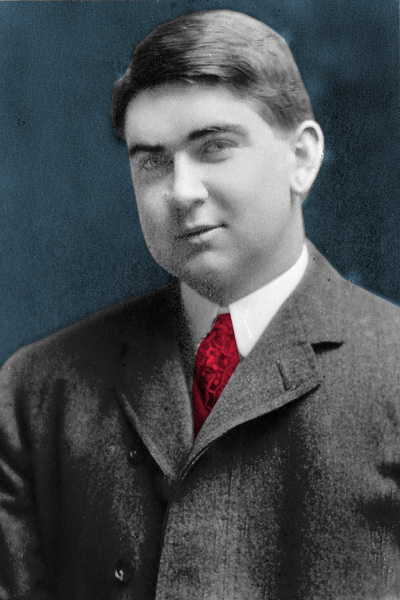
- If you have already finished everything about stampping proceed on painting the coat by using the magnetic lasso tool to select the coat
- To add color while selecting the coat press ctrl+U and adjust the hue and saturation
- Next is pick the background to also color it and also the necktie
- Save as ".psd" if you want to continue your work and ".jpeg" for finished project
|
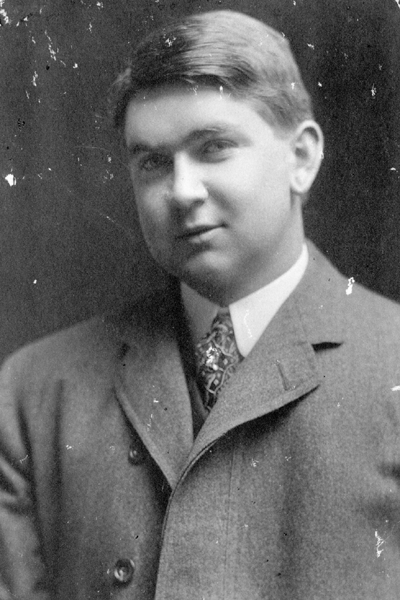 ^This will turn to THISv